Are all the parts there?
Look for the order line, confirmation, attachment and document reference. A job that copies the application server can still miss a separate file store.
Review the systems behind a task Backup coverage review
Are all the parts there?
How far back can you go?
Who can reach the copy?
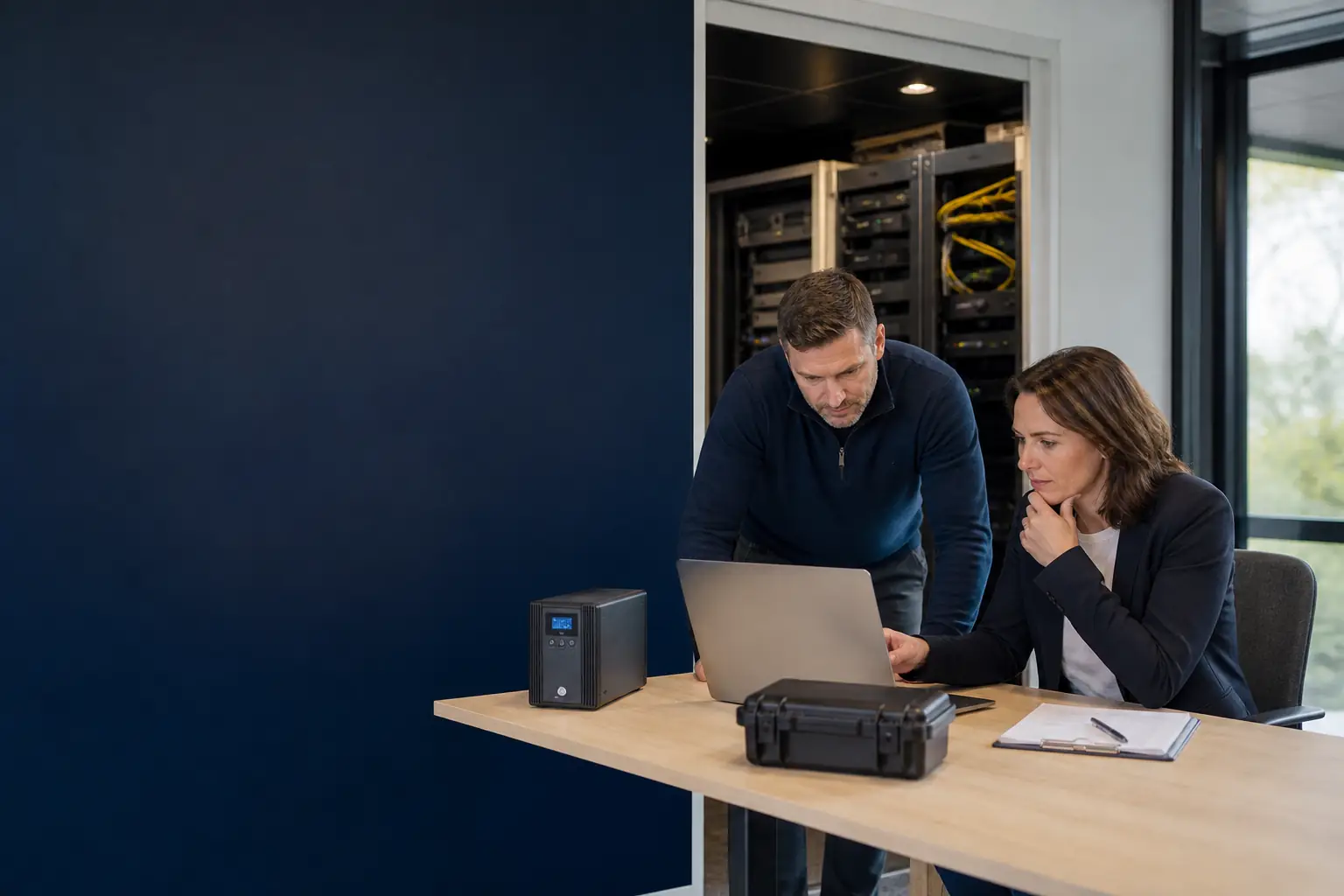
Your last backup job succeeded. Since the order application moved, its attachments live on a different server. Are they still included? Radorfa checks the records a colleague needs to complete a task against the contents of a specific backup.
Pick a completed order for which accounts still has the confirmation. Use that example to check three aspects of your existing copies.
Look for the order line, confirmation, attachment and document reference. A job that copies the application server can still miss a separate file store.
Review the systems behind a taskCompare the date an error came to light with the oldest usable copy. Look for actual recovery points across weekends and the day the application moved.
Follow an order and its attachmentsIdentify the person allowed to request a recovery and how they would access the copy if the normal server were unavailable. Agree who maintains the recovery details.
Discuss access with RadorfaFor each source, the review records the expected coverage, the copy examined, the recovery time and the person responsible for any gap.
An employee shows which records belong to the order. The administrator identifies where each part is stored and what changed during the last move.
Check the job selection, skipped folders and warnings. Mark an item as present once it has been found in a specific copy and record the date of that copy.
Assign an owner to add a missing folder and agree which backup should include it. Look for the sample file again after that job runs. An application restore exercise can then verify the complete task.
A short description is enough to choose a starting point.
Clear answers about scope, diagnosis and the next practical step.
Tell us who uses it and where it belongs. A description is sufficient for the enquiry form.