
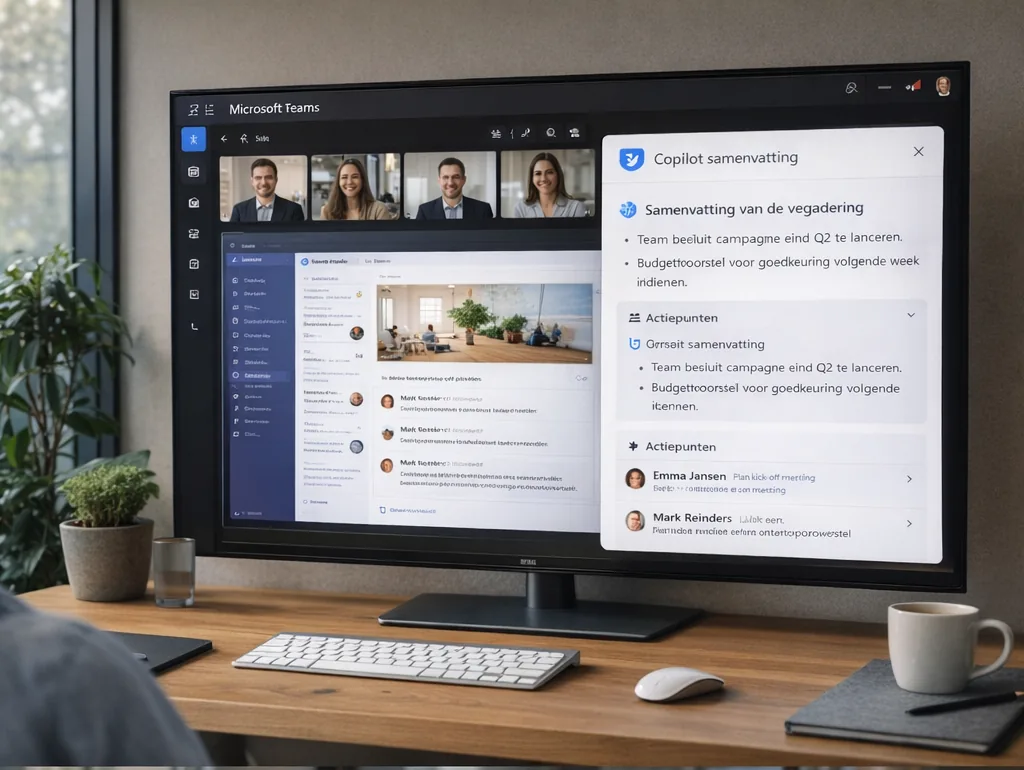
Turn a meeting into clear agreements
The meeting has ended, but someone still needs to prepare notes and action points. Copilot in Teams can help summarise the discussion and suggest follow-up tasks. This gives the employee reviewing and sharing the agreements a starting point. Radorfa helps assess whether this support fits the way you hold meetings.
What Copilot in Teams can do
Participants with the required Copilot licence can ask about the discussion, such as which decisions were discussed. Copilot can suggest follow-up actions. Responses are personal; they do not automatically become a shared, approved record for everyone.
Access after the meeting requires configuration
Use during and after a meeting depends on transcription, administrator policy and the meeting options chosen by the organiser. For use only during a meeting, Copilot can use temporary speech-to-text data. Check beforehand which approach your organisation permits and who should have access afterwards.
Review decisions, names and action owners
An AI summary can misinterpret an agreement or miss a nuance. Ask an involved colleague to verify decisions, owners and deadlines. Only then share the agreed notes or update tasks. For formal decisions, record which version was approved.
Start with a practical pilot
Choose a type of meeting that creates considerable follow-up work. Radorfa reviews Microsoft 365 configuration, licences, Teams settings and access. A small group can then assess whether the summary is useful, how much review remains and how agreements reach the right colleague. Use those findings to decide on wider adoption.
Discuss Teams configuration and collaboration
Source: Microsoft Learn on Copilot, meeting options and transcription.