After an internet outage
The whole office is offline
Only some desks are affected
The line is up but work is stuck
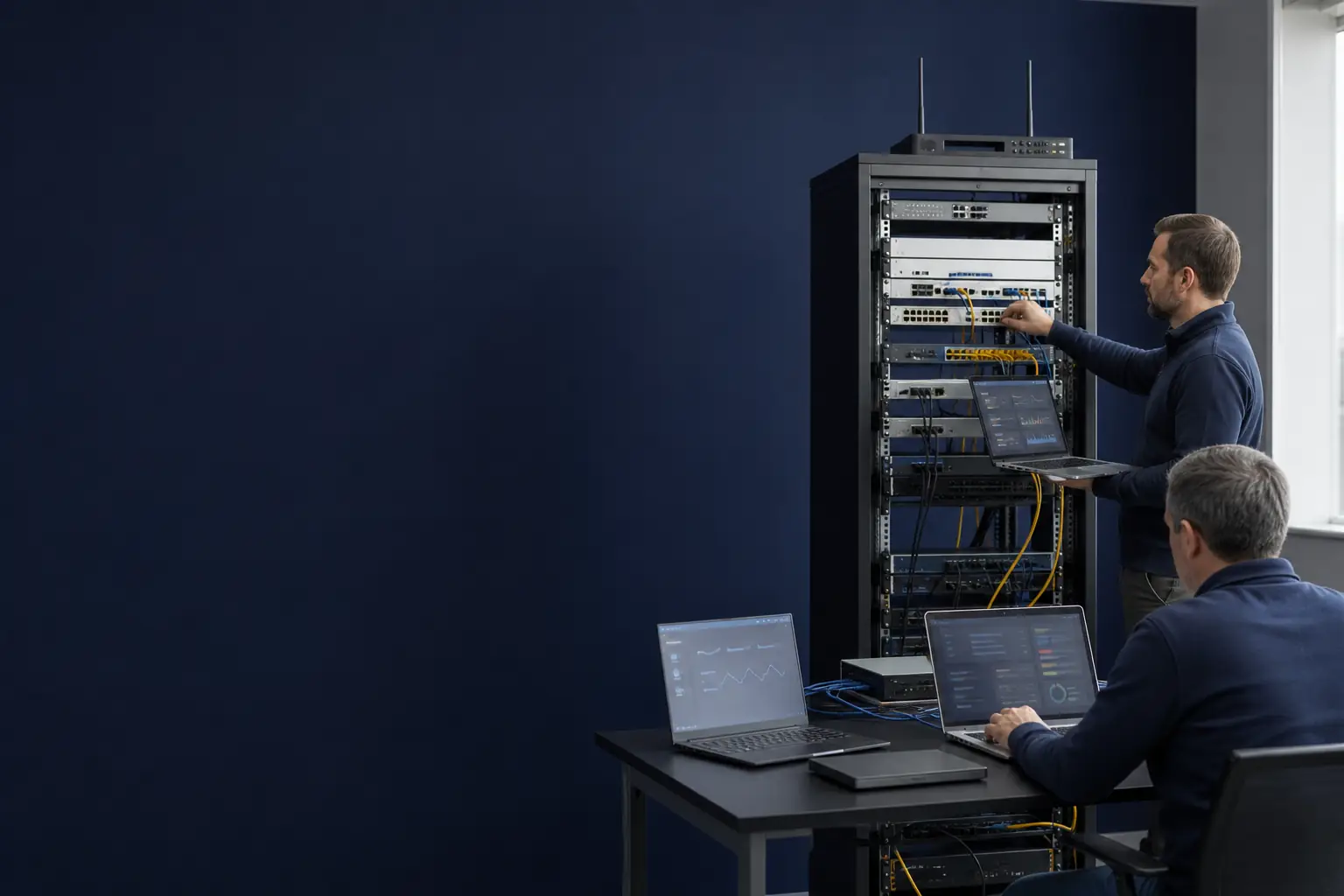
Two engineers use laptops to check a connection at a network cabinet.
After an internet outage

Restore your office internet and get work moving again

The broadband connection is back up, but the reception phone is silent and orders are still waiting to sync. Radorfa checks the network path with your administrator and asks the people affected to test the work they need to resume.

Where to start

What still needs to recover?

Pick a workstation and an activity that worked before the outage. Try the same activity from another desk. The difference helps us decide whether to start with a single device, the office network or the provider.

01

The whole office is offline

We check power, the link between the modem and router, and the connection status. Where the provider needs to investigate, the account holder can give them the circuit reference, time of failure and local test results.

Investigate a router problem
02

Only some desks are affected

Compare a wired device and a wireless laptop using the same external service. A successful test on one connection narrows down where to look on the other.

Troubleshoot wireless coverage
03

The line is up but work is stuck

Opening a public website does not tell you whether an order reached its destination. Ask the receiving team to check for an existing order before trying again.

Discuss an IT incident
Confirming recovery

Which test will let you close the incident?

Agree on an outcome that a member of staff can recognise in their own work.

Choose the priority task

Identify the call, payment or job ticket that cannot wait. Record where it failed and who can confirm that the result reaches the right person.

Use the normal office connection

A mobile hotspot may hide a fault on the business line. Check which connection carries the test and have the user repeat the agreed activity from their workstation.

Hand back responsibility

Record what was restored, any remaining issue and its owner. If the office switched to a backup line, agree who verifies the return to the primary connection and updates the provider ticket.

Practical check

What will help on the first call?

A short account of the outage gives the administrator a starting point.

  • The affected location, start time and an example of work that stopped.
  • Whether a second desk shows the same fault over cable or WiFi.
  • Any provider ticket reference and whether the office is using a backup connection.
FAQ

Frequently asked questions

Clear answers about scope, diagnosis and the next practical step.

Should I factory-reset the router first?
A factory reset can erase your business configuration. Record the status lights and recent changes first. Ask the administrator to confirm what action is appropriate and how the working settings would be restored.
Who should raise a ticket with the provider?
Agree this with the person who manages the contract. Some providers require the registered account holder to report the fault. We can help assemble the local observations and tests they need.
What if I cannot reach the contact form from the office?
Call Radorfa or use mobile data to open the form. Tell us where work stopped and what happened. You do not need to share passwords for the initial conversation.

Related expertise

What is your team still unable to do?

Describe the task and what changed during the outage. We can then discuss which test to run first.