Inbound calls disappear
Compare opening hours, group members and fallback number with the route the phone system selects. Confirm that the intended device actually rings.
Check service reachability Business phone outage
Inbound calls disappear
Your usual reporting channel is down
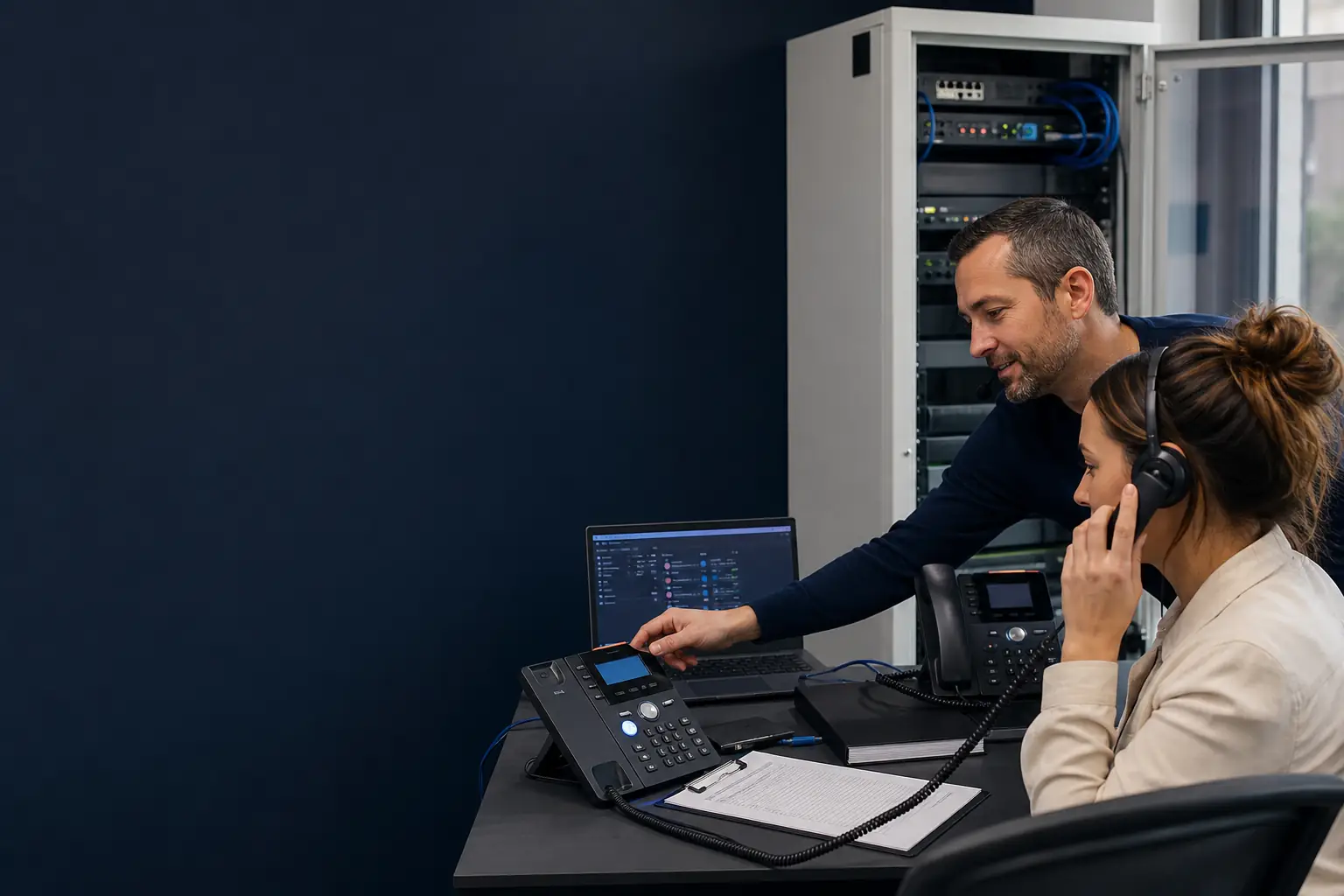
Staff can dial out, but customers hear a busy tone. Or a colleague picks up and hears nothing. We follow one call from outside your organisation to the intended device and check what each party experiences.
Call the published number from another connection and try an outbound call from the affected device. Note the time, destination, audible message and whether the call connects. That helps distinguish a device issue from a routing rule, forwarding or provider problem.
Compare opening hours, group members and fallback number with the route the phone system selects. Confirm that the intended device actually rings.
Check service reachabilityUse a working connection to report the affected teams and an alternative number. A timestamp is more useful than the contents of a customer conversation.
Report the incident to RadorfaChoose a check that matches the symptom. A dial tone alone says little about routing or audio quality.
Test from a second phone. Compare an internal call with an external call if the difference is relevant.
With the administrator, check the selected route, registration and outcome. Keep the time and call direction if the provider needs to investigate.
Have both parties speak and listen. Check the original transfer or callback if that was the failing step. Record any temporary fallback number.
These details help the administrator trace the correct call.
Clear answers about scope, diagnosis and the next practical step.
Describe both ends of a specific call and whether dialling out, receiving or transferring calls produces the same fault.