Security alert handling
Which alerts reach the team?
Who owns the business decision?
What if a supplier change affects coverage?
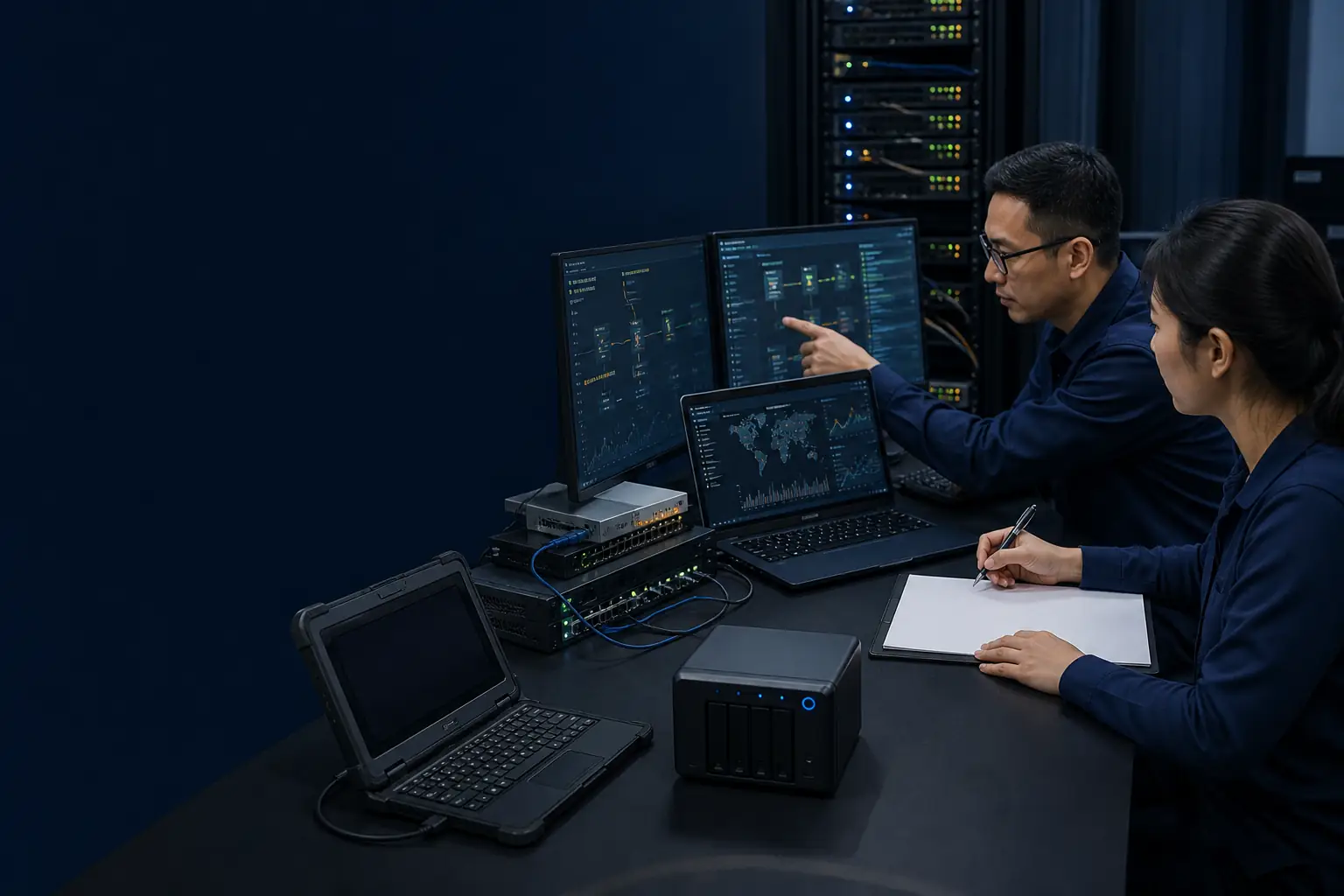
Two operators review several monitors at a workstation beside a server rack.
Security alert handling

Managed Detection and Response for your organisation

When a business server raises a security alert, you need to know who will investigate. With Managed Detection and Response (MDR), Radorfa reviews alerts from the systems covered by your agreement. When action is needed, we carry out the agreed response and tell your named contact what happened.

Service scope

Which decisions do you want to delegate?

We agree which workstations and servers we will monitor, when we will handle alerts and which actions Radorfa can take without calling first. You might authorise us to isolate a suspicious laptop. If a change could interrupt your scheduling server, we agree who can approve it and who has that authority in their absence.

01

Which alerts reach the team?

Compare the systems named in the agreement with the devices in use. Check when a test device last reported and whether its alert arrived in the work queue. A sensor installation alone cannot confirm that a person receives the alert.

Explore monitoring and maintenance
02

Who owns the business decision?

Agree who contacts the affected employee, who can authorise an interruption and who can approve release. Include the deputy and how the employee can get help during the interruption.

Plan a support handover
03

What if a supplier change affects coverage?

Review which accounts, systems and open cases must carry over when support changes hands. Ask the incoming team to locate a test alert before transferring responsibility.

Discuss the transition
From agreement to test

Follow an alert through to a decision

We follow an agreed test alert with your administrator. Our handler finds it, reviews the available information and shows how the decision and update to your team are recorded in the ticket.

Define coverage

Identify the workstations, servers and hours covered by the agreement. Assign an owner to gaps such as devices that have stopped reporting or a period without a named contact.

Test the handover

Trigger an agreed harmless test alert. Look it up in the portal and ticket queue. Ask the receiving operator to explain what they can do independently and what requires your approval.

Record the outcome

Keep the case reference, contact route and decisions. Give missing permissions or instructions an owner. Repeat the affected part of the exercise after the owner has addressed the gap.

Practical check

What should you bring to the first discussion?

One example from the service desk is enough to choose a starting point.

  • The kind of device that raises the alert.
  • Who currently handles alerts and during which hours.
  • One decision that still requires a call between two teams.
FAQ

Frequently asked questions

Clear answers about scope, diagnosis and the next practical step.

How does MDR differ from EDR?
Endpoint detection and response provides device-level signals and response capabilities. Managed detection and response describes the service of assessing signals and following up. The agreement defines the data sources, decisions and actions included.
Does MDR include out-of-hours cover?
Check the service hours, escalation contacts and authority agreed for that period. Also record who picks up an alert on the next working day if it arrives outside the agreed hours.
Can our existing provider take part?
Yes. Radorfa handles the MDR alerts. Your existing provider can arrange access or test an application after we act. We agree responsibilities with both teams before the first exercise.

Related expertise

Which security alerts would you like us to handle?

Tell us which systems you want covered and when your team needs a response. We can discuss service hours, the actions you want us to take and a first test alert.