New and replacement laptops
The right applications for the role
A repeatable laptop setup
Exceptions with a named owner
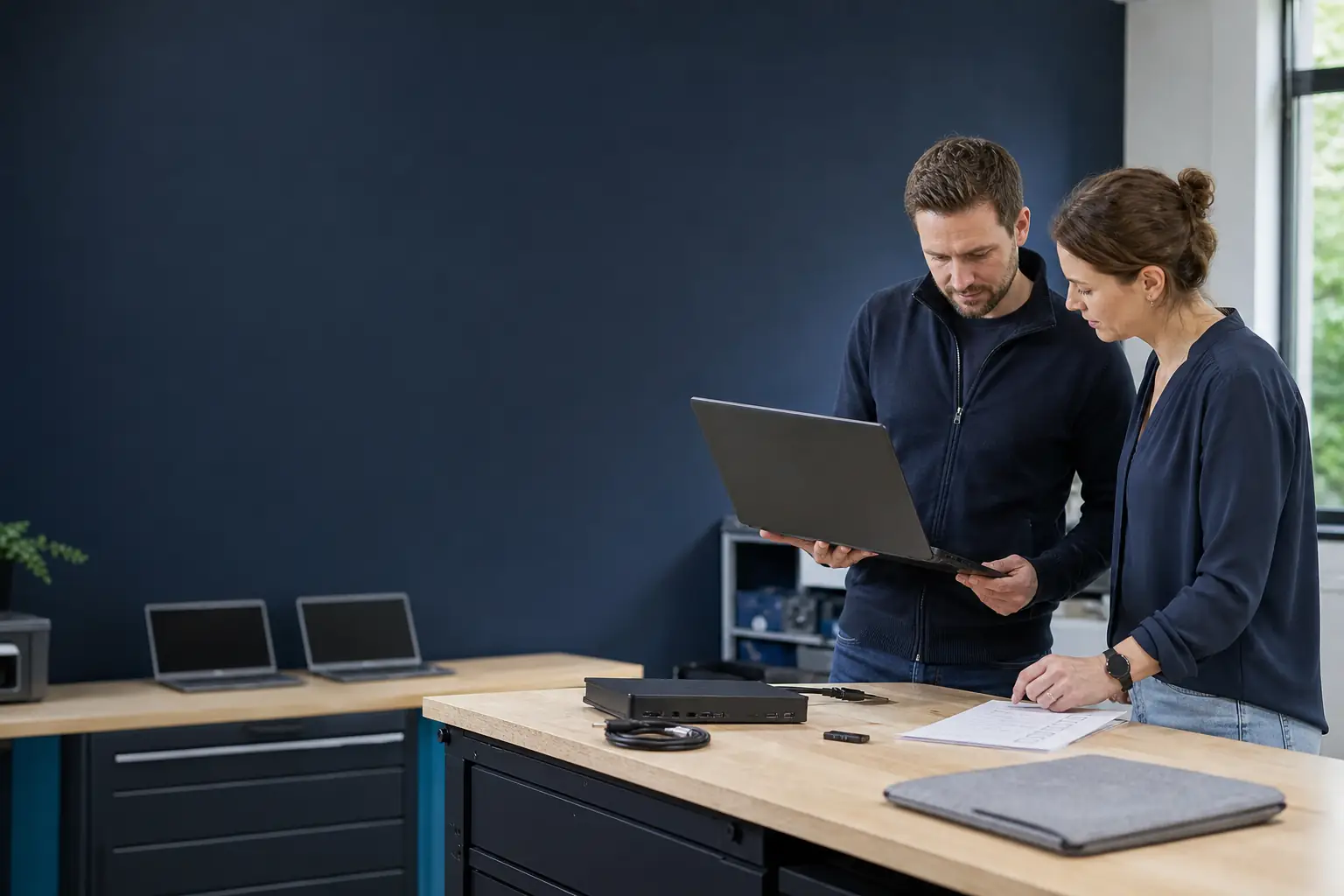
Two IT specialists check a laptop at a workbench with other devices waiting to be set up.
New and replacement laptops

Automate workplace setup around the first task of the day

The laptop has arrived and email works. The scheduling app is missing, though, and nobody remembers which settings the previous machine used. Radorfa turns recurring setup tasks into a repeatable configuration for each role. An employee then checks whether they can actually do the job.

Recurring setup work

What does an employee need after signing in?

A planner and a warehouse worker may use different applications. We start with the daily task, identify exceptions and agree which settings can be assigned centrally.

01

The right applications for the role

We identify the apps everyone uses and those needed by individual teams. With a pilot account we test Microsoft 365 tools such as Outlook and Teams alongside the application where the employee starts the job.

Explore the Microsoft 365 workplace
02

A repeatable laptop setup

For eligible Windows devices, we check whether Windows Autopilot and Microsoft Intune suit your licences and network. A pilot device receives the settings. We also check the user experience when an installation does not finish.

Review workplace management
03

Exceptions with a named owner

A shared reception PC may use a special printer or require a different sign-in process. Recording the exception and who owns it helps the service desk see what still needs attention at replacement time.

Arrange help on site
From a pilot to a controlled rollout

Rehearse one working day first

Choose a role where laptops are replaced regularly. A task the employee can complete gives you a practical release check beyond a list of installed apps.

Record the starting point

We review device types, Entra ID groups, licences, access rights and dependencies on printers or network drives. You identify the applications the employee must be able to use on day one.

Have an employee run the pilot

They sign in, open a restricted document and complete a task in the business system. We repeat the check with another role to verify that access stays within the agreed limits.

Release in groups

IT tracks which devices have received the profile and which application or setting is still missing. We agree when the next group can start and who handles an exception.

Practical check

What makes a useful pilot?

Start with a group small enough to investigate any differences.

  • A representative device and someone familiar with the daily task.
  • The standard apps and one known exception.
  • A contact for licences, accounts and the business application.
FAQ

Frequently asked questions

Clear answers about scope, diagnosis and the next practical step.

Do all our laptops have to be replaced?
We assess existing devices first. Reassigning a laptop also requires a decision about local files and the previous user’s access. That is a separate part of the pilot.
Can new staff start from home?
Try the initial sign-in outside the office network. Staff must be able to reach the setup services and authenticate safely before using internal systems. The result informs the instructions you give them.
Who deals with a missing app?
We agree who checks the assignment and installation result, and when to involve the application supplier. The device identifier and the missing app give the service desk a useful place to start.

Related expertise

Which step do you repeat on every new laptop?

Tell us which role, application or setting takes extra work. We can agree a pilot to test whether that step can be automated.