What will you reuse?
List the monitor, charger, dock or scanner already at the desk. Write the required connection next to the model quoted so a specification change is easy to spot.
Review the workstation Business IT procurement
What will you reuse?
Who sets it up?
Who receives it?
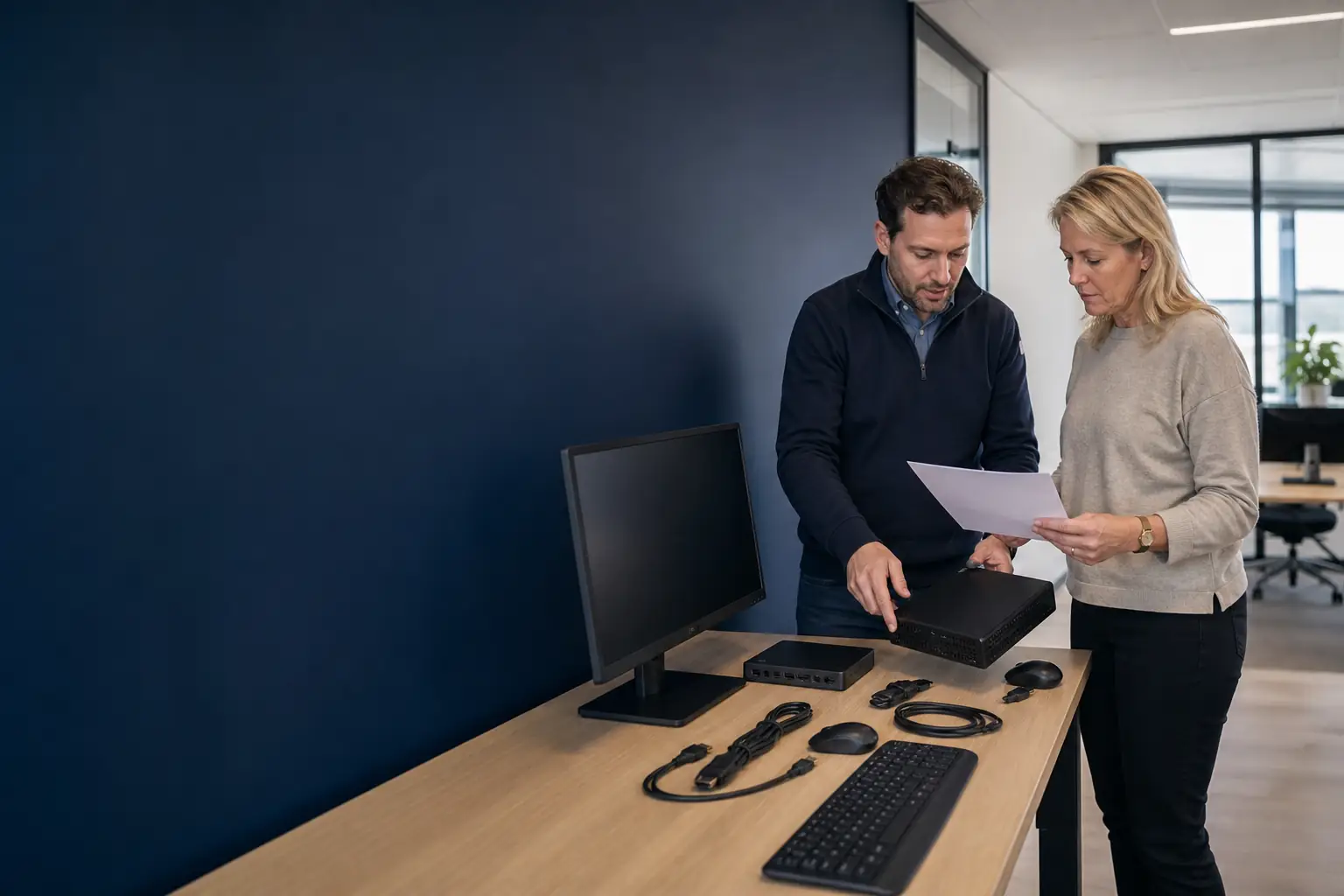
The laptops arrive on time. When the boxes are opened, the team discovers that the office monitors use a different connector. Radorfa helps you specify a complete workstation before ordering, agree who approves substitutions and check what actually arrives.
Start with one employee. Which equipment will they keep, what needs to be added and who will make sure it is ready for their first day?
List the monitor, charger, dock or scanner already at the desk. Write the required connection next to the model quoted so a specification change is easy to spot.
Review the workstationSpecify whether the quote covers the device alone or also the installation, configuration and handover. The person approving the purchase can then assess these costs separately.
Plan device configurationSplit deliveries by site and team. Have the recipient match each serial number to its order line before the box moves on to the employee.
Track equipment and returnsWe review the order with the person who manages the equipment and the person authorised to approve the purchase.
Record the model variant, quantity, delivery site and any setup work. Identify items or dates that still need supplier confirmation.
If a model is unavailable, check the replacement against the agreed connections and management requirements. Take the price difference to the person who can approve it.
Unpack a set, connect the existing monitor and ask an employee to complete an everyday task. Record missing items against the order and name the person following up.
You can start before you know the exact models. A few details are enough to discuss the open decisions.
Clear answers about scope, diagnosis and the next practical step.
Tell us how many people are starting or which devices you are replacing. We can identify what still needs a decision before you release the order.