At issue
A familiar computer name can be reused. Record the serial number and issue date and have the recipient confirm receipt. Agree who records the next change of user.
Day-to-day endpoint management (Dutch) IT asset inventory management
At issue
During repair
On return
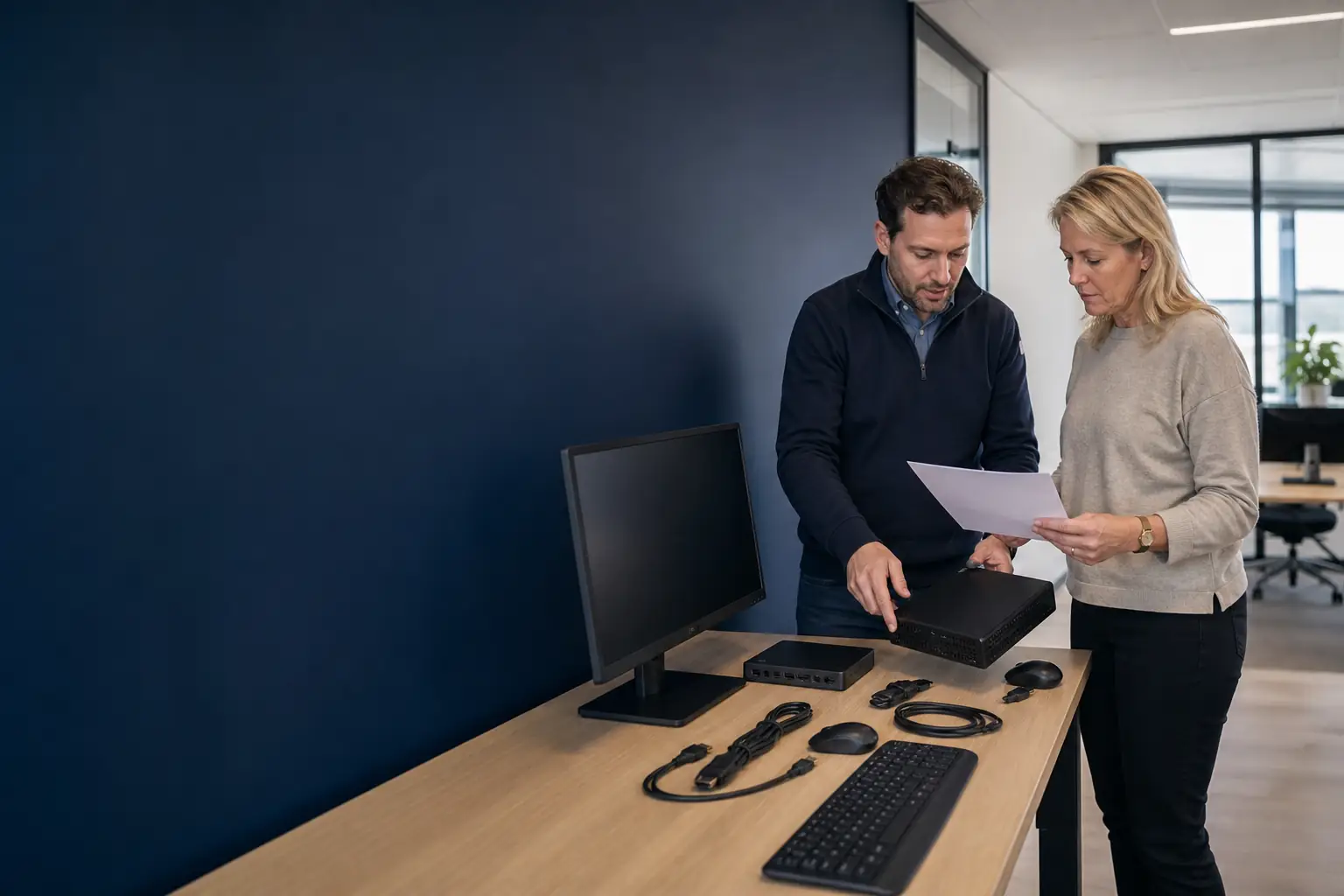
Purchasing has forty laptops on its list. Support sees fewer, and two are away for repair. Radorfa helps your team reconcile those records. A device keeps its own identity when it changes hands, so support can find its current holder and the last confirmed handover.
Choose two machines where purchasing records and the management console disagree. Following the most recent handover usually reveals more than counting the entire stock again.
A familiar computer name can be reused. Record the serial number and issue date and have the recipient confirm receipt. Agree who records the next change of user.
Day-to-day endpoint management (Dutch)Keep the original device separate from the temporary loan. Record which unit went to the supplier and which one the employee should return when the repair is complete.
Managing company phonesDisabling an account does not establish who has the equipment. Confirm the physical return, the charger and any outstanding file transfer before changing the status.
Planning an IT handoverStart with the people who witness the handovers. Purchasing confirms delivery, the desk issues the device and support sees it come back from repair.
Agree on a serial number, asset tag and management record. Find the same laptop in each source and record how the identifiers relate.
Track the device from a user to the desk and on to its next user. Verify that the current holder changes while the earlier receipt can still be found.
Give each unexplained discrepancy an owner and a date to check again. If a laptop has been offline for some time, ask the department to confirm where it is.
A few examples from your own records will let us test the process.
Clear answers about scope, diagnosis and the next practical step.
Tell us where the list and the workplace disagree. We can help identify the missing record or handover.