Which task comes first?
Ask the process owner which activity must return first and which other team depends on the result.
Assess the business impact Recovering business systems
Which task comes first?
Which components belong together?
Who approves reopening?
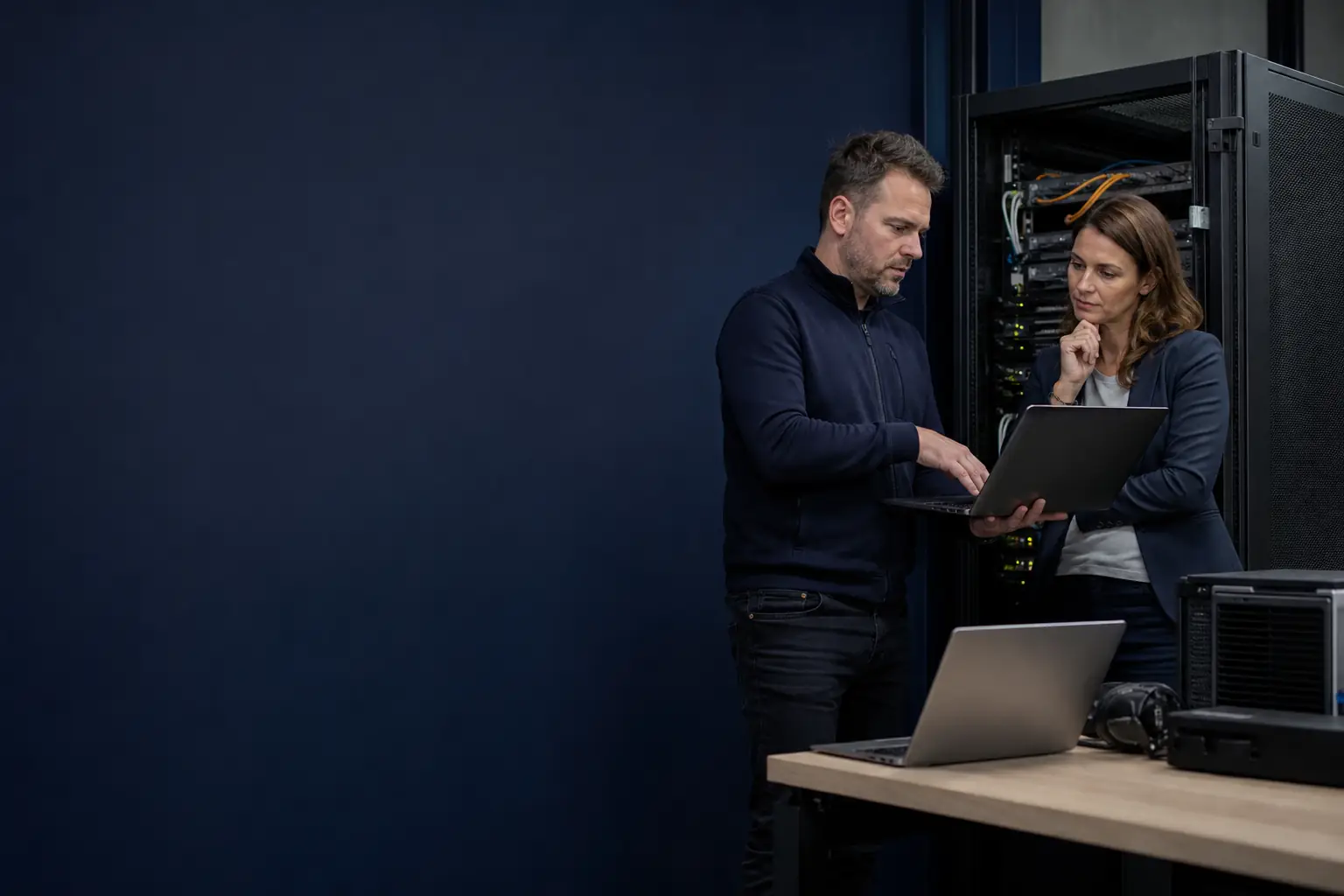
The server is running again, but the planner cannot open an order or see whether it shipped. Radorfa works with your administrator to find where the task stops. We agree which components need to be restored together and ask a colleague to try the recovered workflow.
Start with a task that has stopped working. Reverting a setting may be enough. Damaged records may require a backup. Before restoring anything, establish which recent work could be affected and who can make that decision.
Ask the process owner which activity must return first and which other team depends on the result.
Assess the business impactA restored database may refer to files or settings from a different date. Check which copies exist and where their recovery points match.
Review backup coverageName the colleague who will test the workflow and the person who can release it. Include new entries and outstanding messages in that decision.
Agree on a recovery planWe agree on a suitable test environment with your administrator and application provider. A recovery exercise should never trigger a real shipment, invoice or customer notification.
Record when the task last worked and what changed afterwards. Preserve the current state where possible before restoring a component.
Use a test account to open a familiar order. Check its attachment and trace the handoff to the next application while holding outbound messages.
Compare the recovered records with subsequent activity. Assign someone to handle missing and duplicate entries. Record when staff may return and who follows up on discrepancies.
A short description is enough to start. You can leave out confidential order data and login details.
Clear answers about scope, diagnosis and the next practical step.
Tell us what the user tries to do and what happens on screen or in the next application. We can then discuss a practical first check.